DoAgents and an agent's page
DoAgents are members of your workspace, so they have pages like people do: one for all of them, one for each.
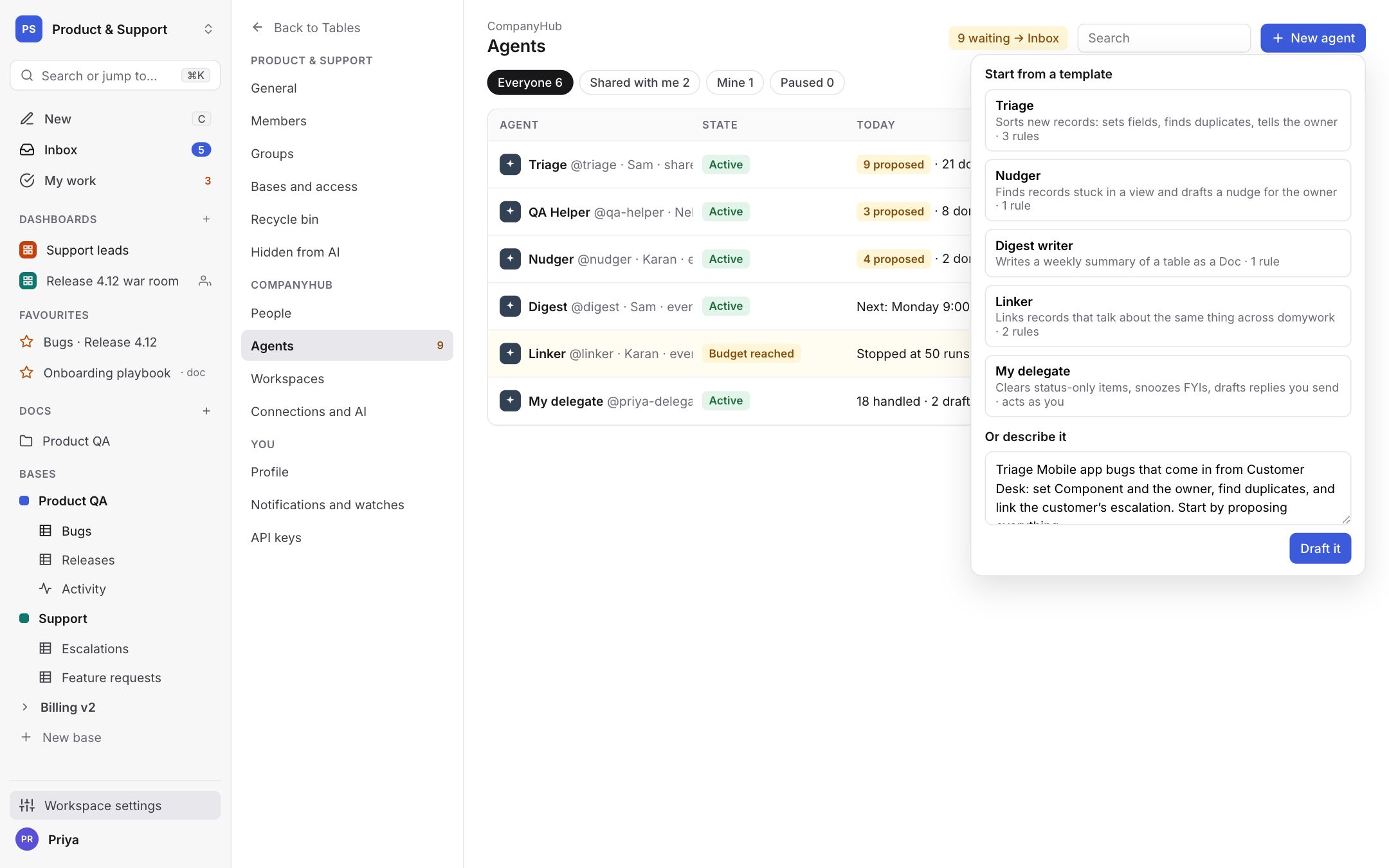
The DoAgents page
Three tabs: New DoAgent (the builder, Make an agent), DoAgents and Runs, every agent's runs in one feed.
The DoAgents tab opens with one line: how often your agents ran this week and how many things need you. Below it, what needs you, one fix per row, then a card per agent:
- its character and name, with Needs you, Failing, Not ready or Your delegate when they apply;
- its task as "When … → does", or its first tasks and how many it has;
- its runs this week and an on/off switch.
Filter by All, Needs you, Mine or Not ready, or by table. The first twelve show, then See more.
An agent's page
Two tabs, Agent and Runs. The header has its character and name, Pause (until you resume, for an hour, or for today) and ⋯: Ask and its name, Share, Copy @handle and, for the owner, Delete agent.
The Agent tab lists its Tasks, each with its runs this week and its On switch, and Give it another task. Under them is Setup, one line per place, opening in place:
| Place | What is in it |
|---|---|
| Ready to work | the steps left before it can run, if any |
| Knowledge | instructions, what it reads, notes it learned. What it knows |
| Data & permissions | its bases and Approvals. What an agent can reach |
| Apps | the outside apps its tasks use, connected or not |
| AI setup | where it runs, its model, runs a day and money a month. Your company's AI key |
| Sharing | who can use it, and their roles. Share an agent |
A place that needs you shows !. Everything saves as you change it.
When something is wrong
A banner at the top of the Agent tab says so in one line, with Resume and Open Runs: Paused itself, "5 runs failed in a row". When it stops itself