A project with a Monday digest
The plan is a doc nobody updates, the tasks are in three heads, and the status update is written on Sunday night by whoever feels guilty. Monday hears what the writer remembered, not what happened.
What it looks like when it works
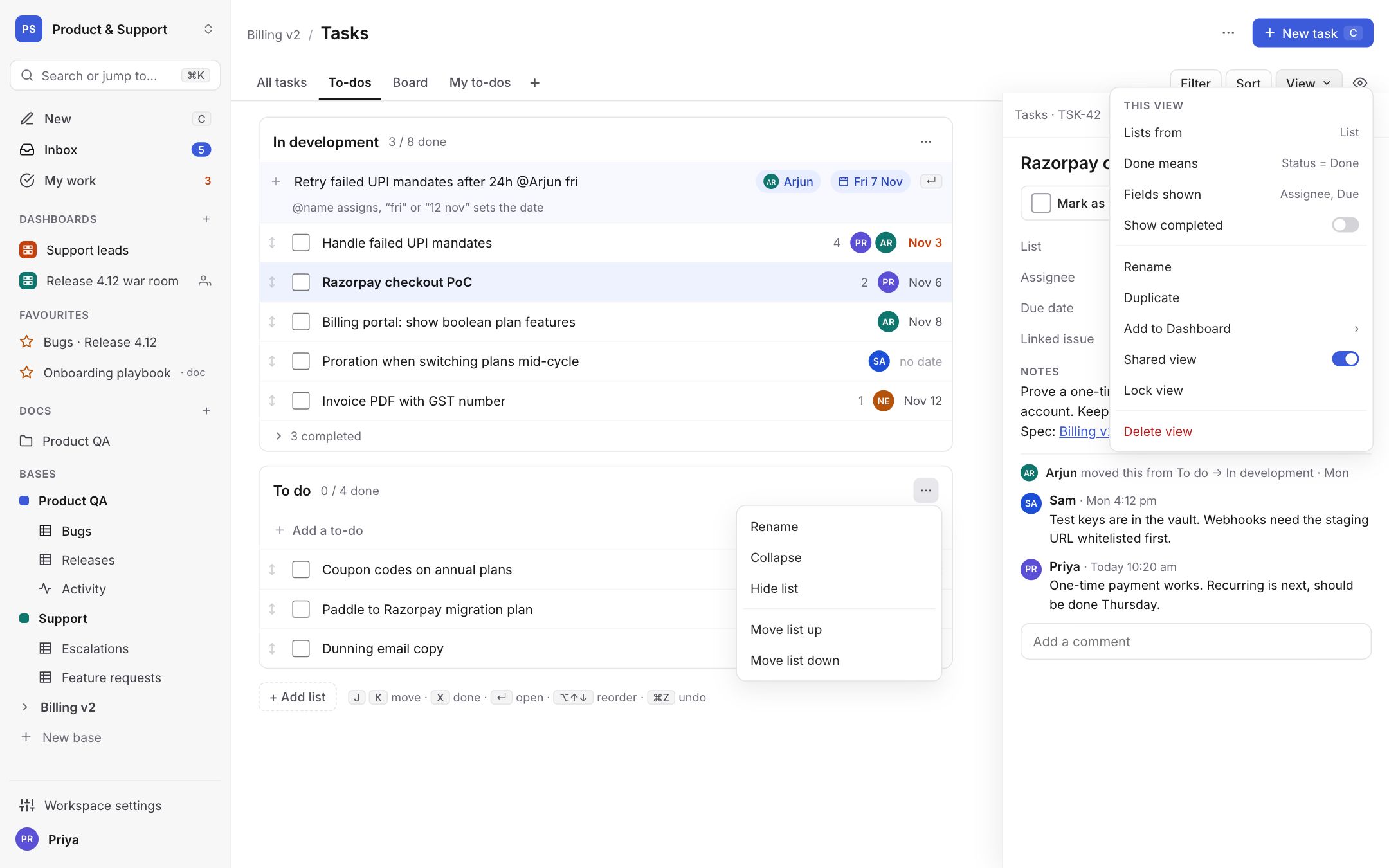
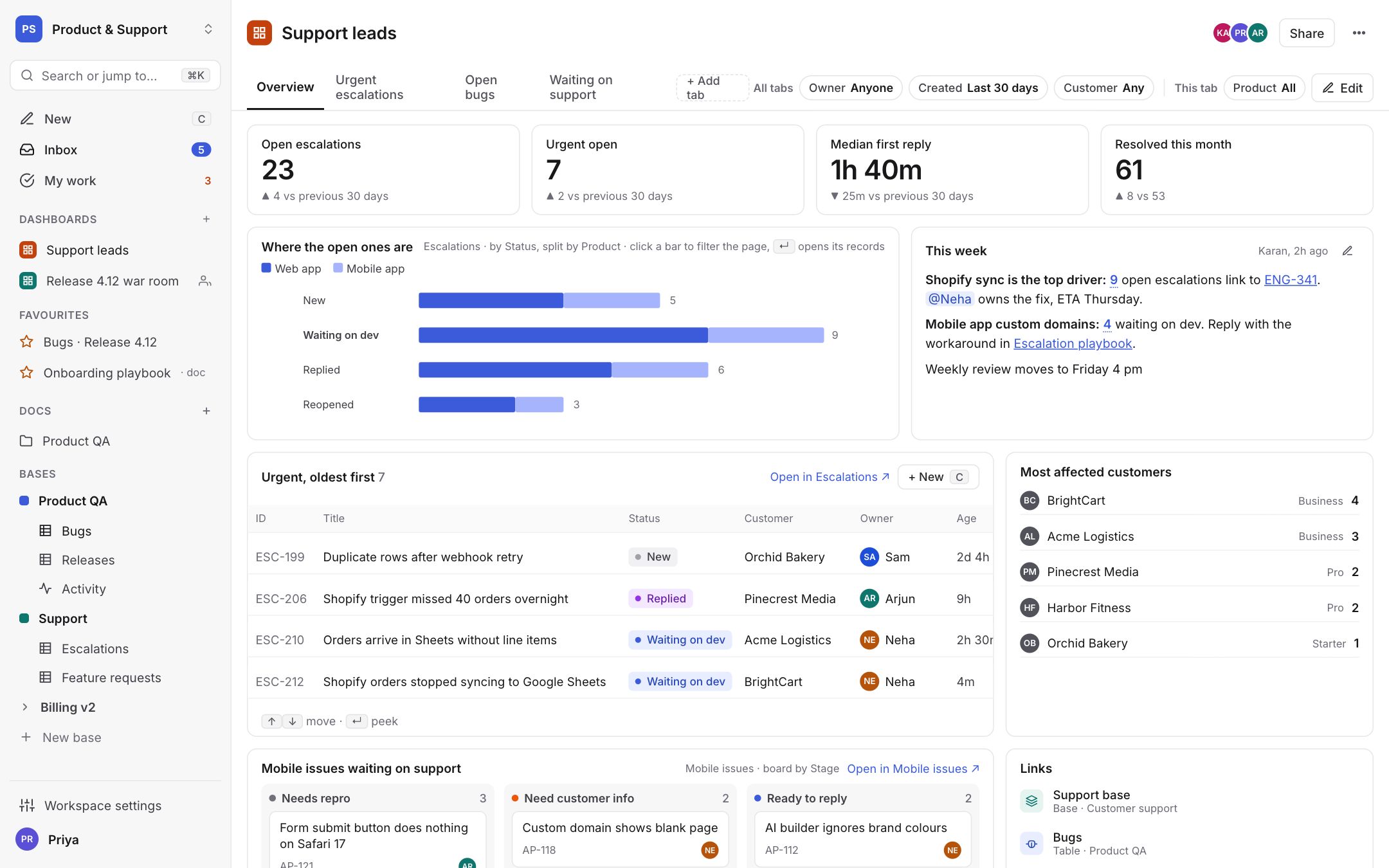
The project is a base. Its to-dos are records in lists, with a checkbox first. Tick one and it folds away; the person who asked for it hears in their DoInbox, one row for each record that needs them, not their email. The base's Home opens on what is late this week, a few numbers, a timeline of milestones and who carries the most. Every Monday at eight an agent reads the week's tasks and writes "Last week in Launch" as a doc: done, slipped, due next. The lead reads it, fixes a sentence, and the meeting starts from it.
Build it now
- Make a base called Launch, and in it a table called Tasks with the prefix
TASK. Open New table - Add the fields: Task (text), Status (picklist: Up next, In progress, Blocked, Done), Owner (people), Due (date), Milestone (link to a Milestones table with a Ship date). Mark Done as a done status.
- Add a To-do list view with lists from Status. Type the first to-dos on the add line:
@mayaassigns,frisets the date. - Place the Home blocks. Open the base's Home and add: a list of late to-dos, "Open tasks" and "Done this week" numbers, a Timeline on Milestones by Ship date, open to-dos by person as bars, a Links block to the base's docs folder. Open Dashboards
- Make the Digest agent. Open DoAgents, the New DoAgent tab, and describe it: "Every Monday at 8:00, write last week in Tasks up as a doc: done, slipped, due next." Check it starts On a schedule, every week, and does Write a doc; name it Digest and Start Digest. Open DoAgents
- Share the base with the team as Editors. Open Share
Go further
- Projects. Keyboard moves, the Activity page and the line that says where you last looked.
- Agents that write. Change what the digest covers, or add a Friday "what's due" version.
- Docs, one tree for the company. The plan, the retro and the digests next to the to-dos.