A content pipeline with a drafter
Ideas live in a chat thread, drafts in five documents with "final-v2" in the name, and the publish calendar in someone's head. The post due Thursday is still an idea on Wednesday because nobody wanted to write the first paragraph.
What it looks like when it works
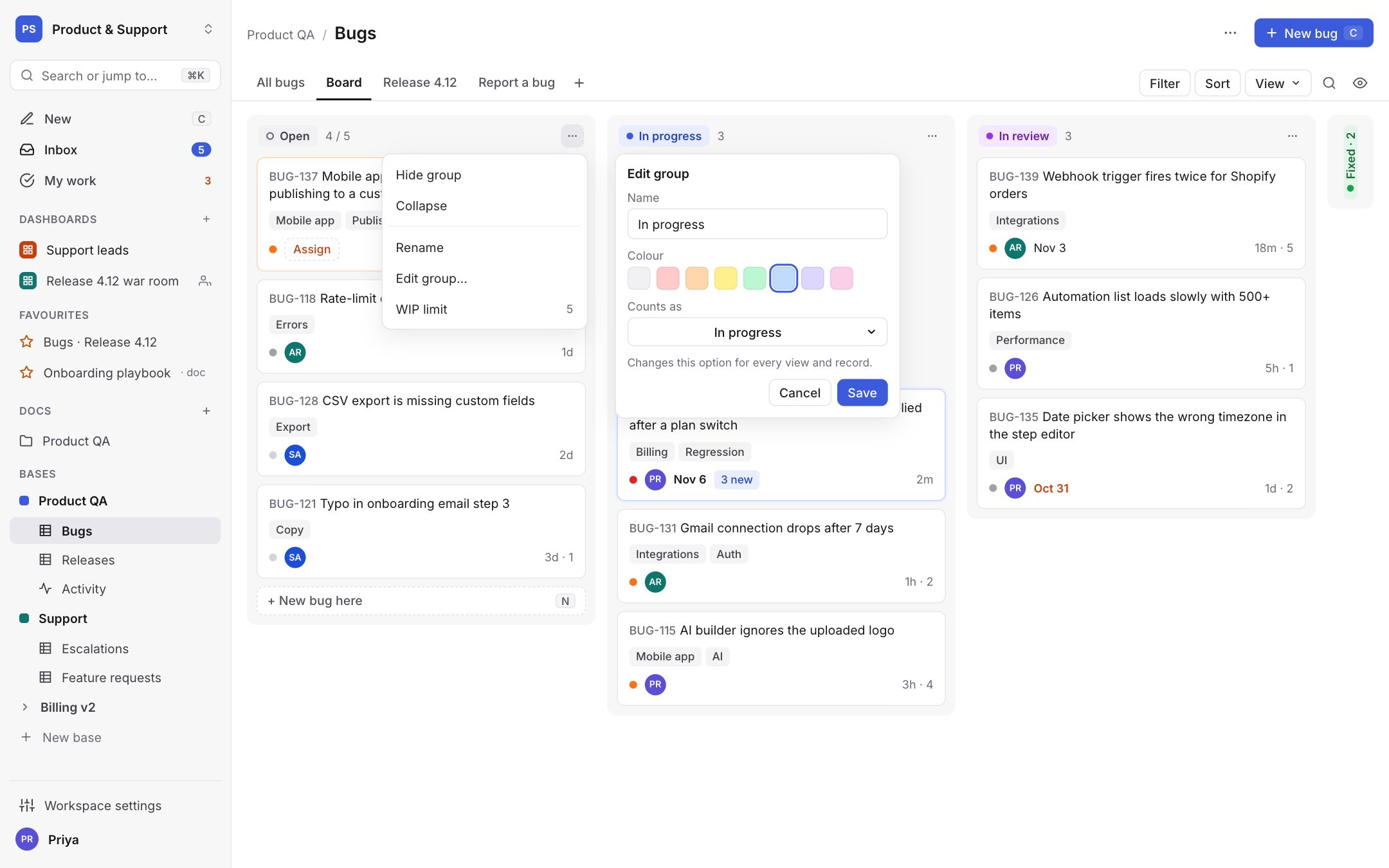
Every piece is a card. Its brief and its body live on the record, not in a separate file. Drag a card to Drafting and an agent reads the brief and proposes a first version into the body. The owner presses a, then rewrites it into their own voice. Two days before the publish date the owner gets a reminder; the day it goes out, the card moves to Published. The marketing lead's Dashboard shows what is scheduled this week and what is late.
Build it now
- Make a table called Pieces with the prefix
PIECE. Open New table - Add the fields: Title (text), Channel (picklist: Blog, Newsletter, Social, Video), Status (picklist: Idea, Outline, Drafting, Review, Scheduled, Published), Owner (people), Publish date (date), Brief (long text), Body (doc). Mark Published as a done status.
- Add a Board view grouped by Status. Show Channel, Owner and Publish date on the cards.
- Turn on reminders for Publish date: two days before, to the owner. Reminders arrive in their DoInbox, one row for each record that needs them, not their email.
- Save a view "Ready to draft": Status is Drafting and Body is empty.
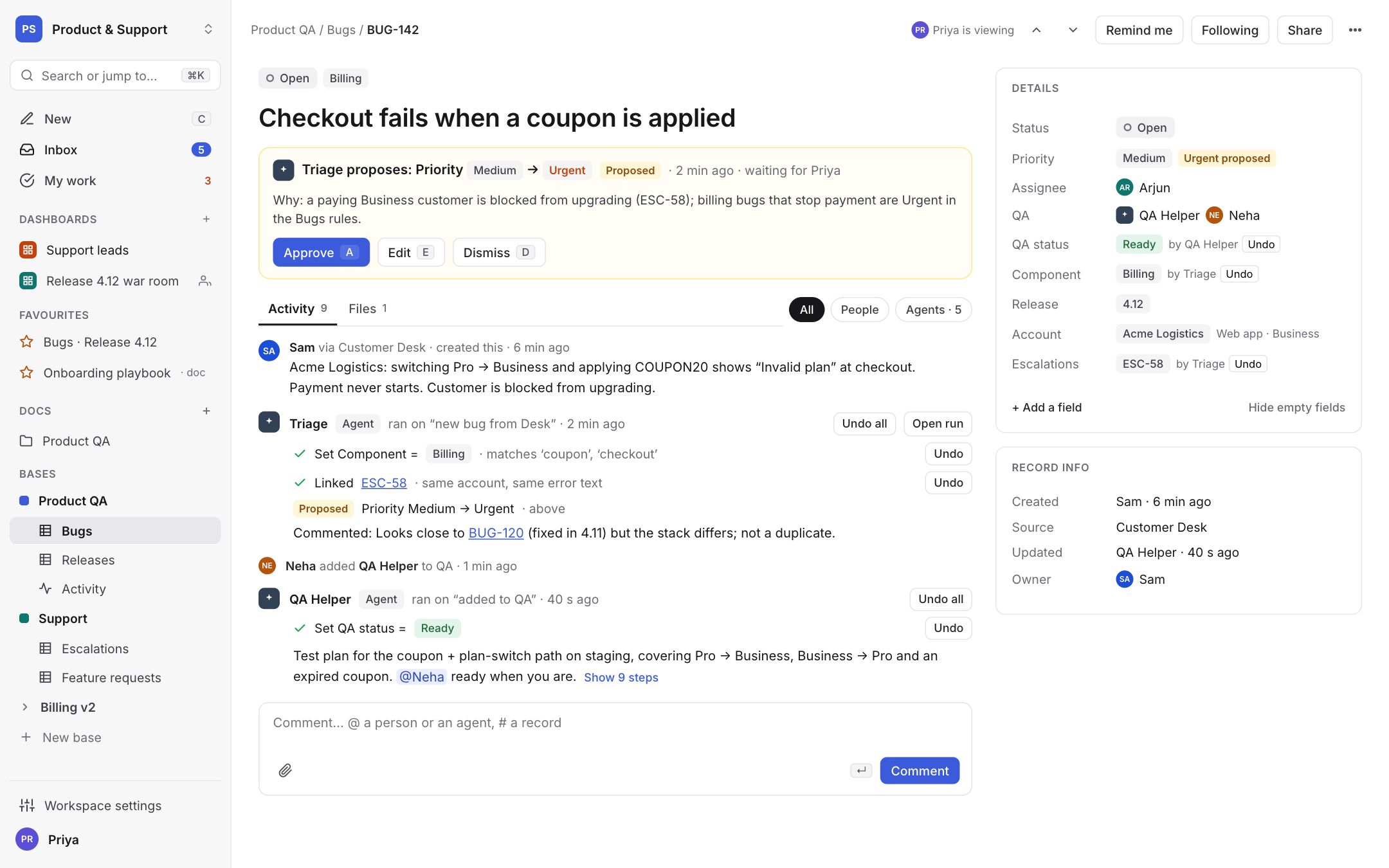
- Make the Drafter agent. Open DoAgents, the New DoAgent tab, and describe it in Create with AI: "When a piece enters Ready to draft, write a first version into Body from the Brief, in our house style, for its Channel." Start Drafter. Add your style guide doc to its Knowledge, and turn on Ask you before it changes anything so the owner always sees the draft first. Open DoAgents
- Give the lead a Dashboard: a "Scheduled this week" list by Publish date, a "Late" number (Publish date in the past, Status not done), and the board. Open Dashboards
Go further
- Agents that write. What it knows, how long a draft it may write, how to make it sound like you.
- Reminders. A second nudge on the day, or a reminder you set yourself.
- Buttons. A Publish button that sends the body to your site through a connection.