Apps and connections
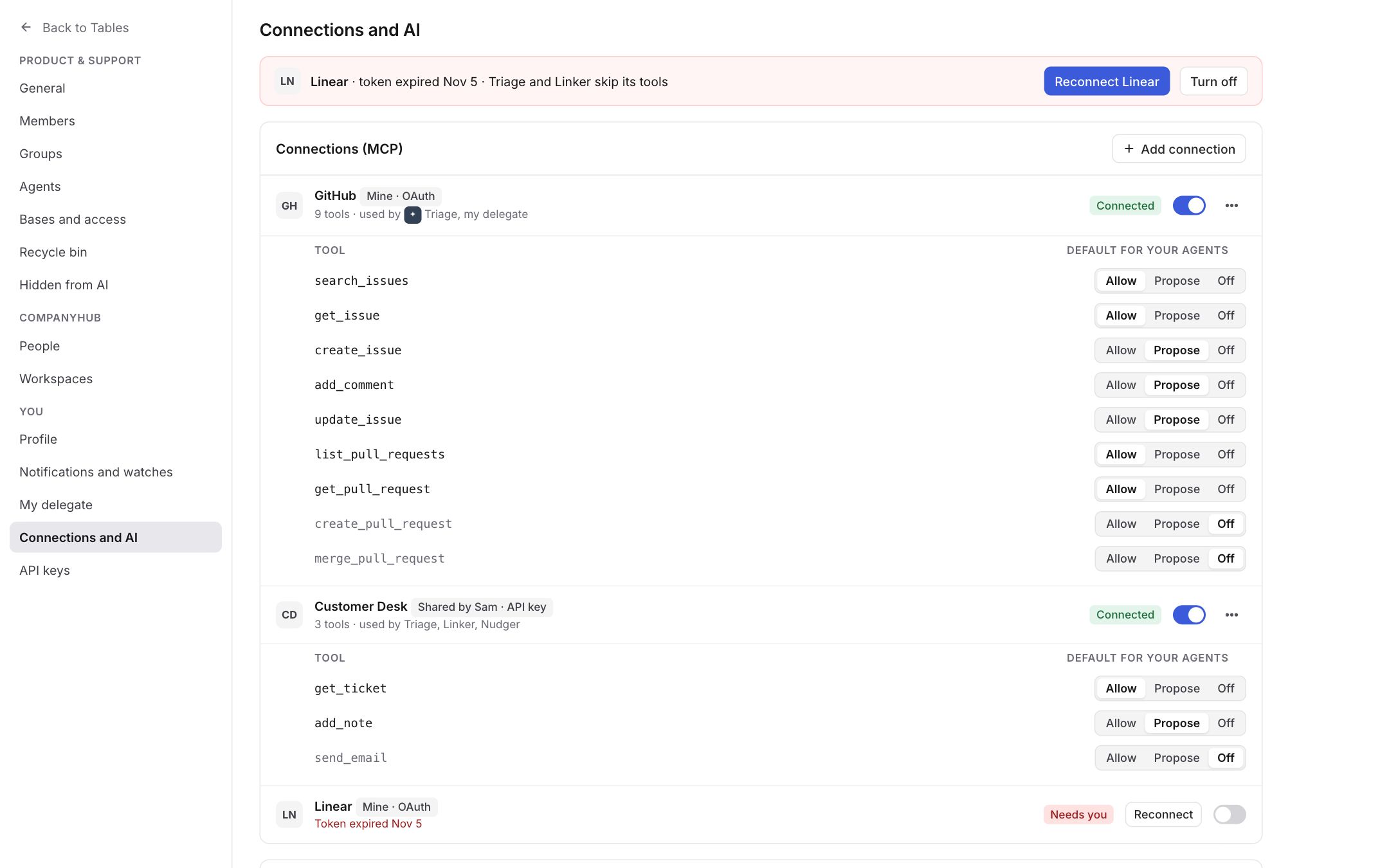
The work does not end inside DoMyWork. The bug becomes an issue in Linear, the deal gets a message in Slack. An app, also called a connection, is one tool plugged in once, so a button can press it and an agent can use it.
Install one
A company admin opens Settings › Company › Apps & AI and chooses Install. Give the server's address; DoMyWork checks it and lists what it can do. Pick how people sign in (each person with their own account or key, one shared key, or none), who can use it (everyone, groups or workspaces), and which tools are on. A tool you do not turn on stays out of reach of buttons and agents. Tools the server adds later arrive off. An app that cannot be reached is listed first, with the reason.
Yours, or the company's
Members see the apps installed for them under Settings › You › Apps & keys, connect them, and can ask an admin for one with Request an app. If admins allow it, you can add your own server: only you can use it.
For an app where each person signs in, the first press asks you to sign in as yourself, and the tool sees you as the author. Disconnect it in Apps & keys; nobody else's sign-in is affected. A shared key is one key for everyone: every press and agent run uses that key.
What leaves
A button's editor shows what it sends: "Sends to linear.app: Title, Name". A press reads fields with the presser's access, so a field you cannot read never goes out under someone else's name. Keys and client secrets are stored encrypted and never shown again. Logs keep the tool's name, not what was sent.
The AI key
Agents run on your company's AI key. Admins set it in Settings › Company › Apps & AI › AI: the OpenRouter key, the default model and this month's spend. Until a key is added, agents run on a one-time $3 credit. Your company's AI key