You and your agents
On your own, you are still a team: you, and the DoAgents you give work to. Ten minutes gets you a table you trust, an DoInbox that clears itself, and one agent on a chore you avoid.
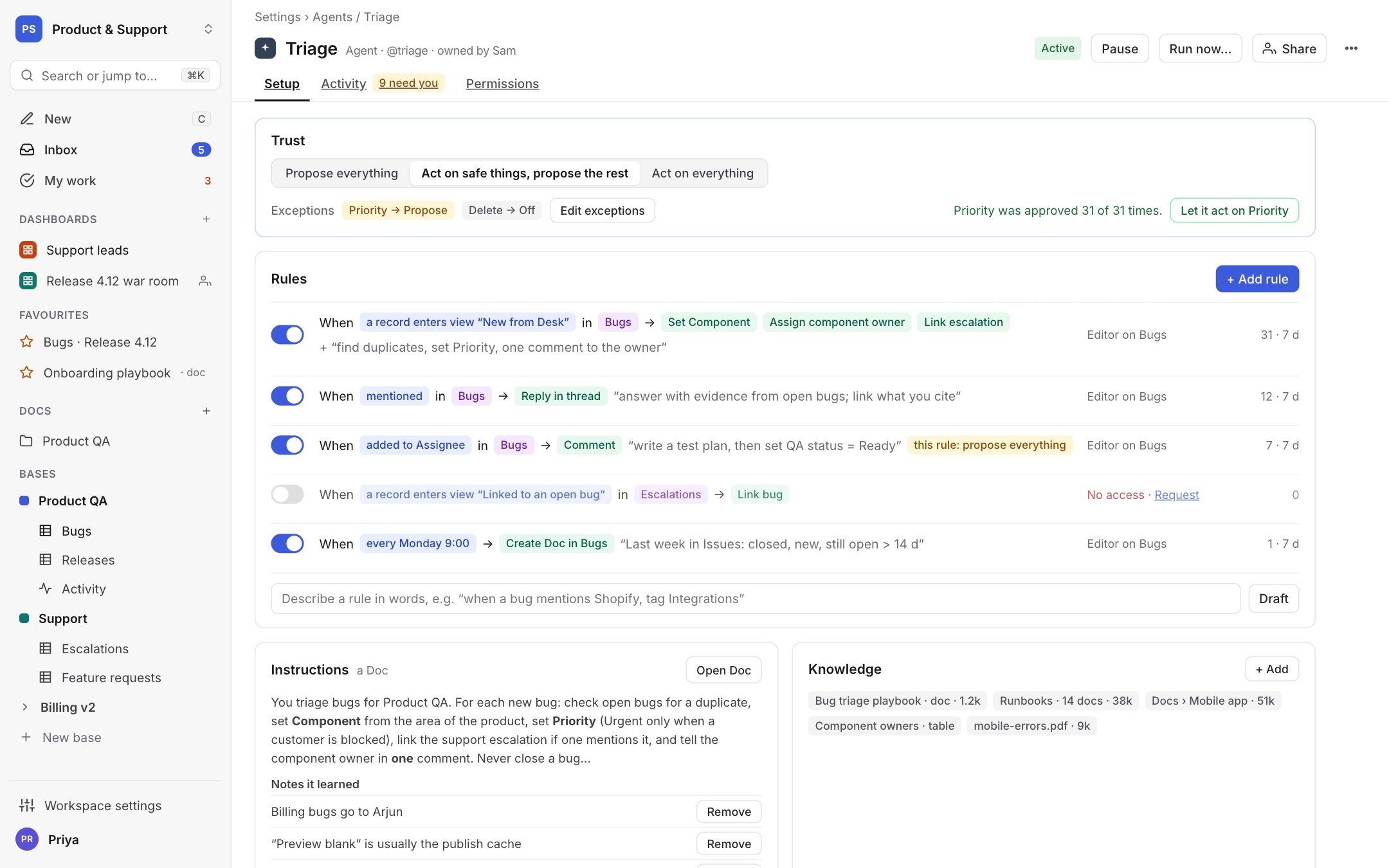
What it looks like when it works
Your deals, tasks or requests are records with a number you can say out loud. Your DoInbox is not your email: it holds one row for each record that needs you, with the question, the change or the proposal on it. My delegate marks the rest done, moves it to Later or sums it up before you look. Once a day you open it, press a on the good proposals, and get on with the work only you can do.
Build it now
- Open your workspace. Everything you make lives here.
- Make a table by describing it. Open New table and choose Describe it: "Deals with a stage, a value, an owner and a next step date." The fields are drafted for you. Fix any, then Create. Open New table
- Add a few real records. Type into the grid, or paste rows from your spreadsheet.
- Turn on My delegate. Click My delegate at the top of your DoInbox, say what it handles, like status-only updates, and pick what it does: mark it done, move it to Later, sum it up, or draft a reply for you to send. Open My delegate
- Give one chore away. Open DoAgents and the New DoAgent tab, and describe it in Create with AI: "When a deal has been in Waiting for three days, comment a nudge to its owner." Check the parts it fills in, then Start. Open DoAgents
- Watch it first. In the agent's Data & permissions, turn on Ask you before it changes anything. For a while it proposes, you approve.
- Approve its first run. The proposal shows in your DoInbox as one row. Read the reason, press
a, orxto dismiss.
Go further
- Your first agent in two minutes. The builder and the first run, step by step.
- My delegate, your inbox helper. What it does, and how to pause it.
- Why you stop reading email about work. What the DoInbox is, and what still reaches your mail.
- Moving from a spreadsheet. Paste rows, fix field types, keep the sheet's logic as views.