Docs, one tree for the company
The how-we-do-it page, the spec behind a feature, Monday's notes: they belong next to the records they describe, not in another tool. Docs are one tree for the whole company, at the top of the sidebar, with folders and sub-docs as deep as you like.
Private until shared
A new doc reaches nobody but you. Its header says "Only you" with Share beside it. Share it with a person, a group, Everyone at the company, or a whole workspace or base, and sub-docs follow the share. Share a doc
A base's docs live in a folder named after it, shared with the base at the same level as each person's role there.
Writing
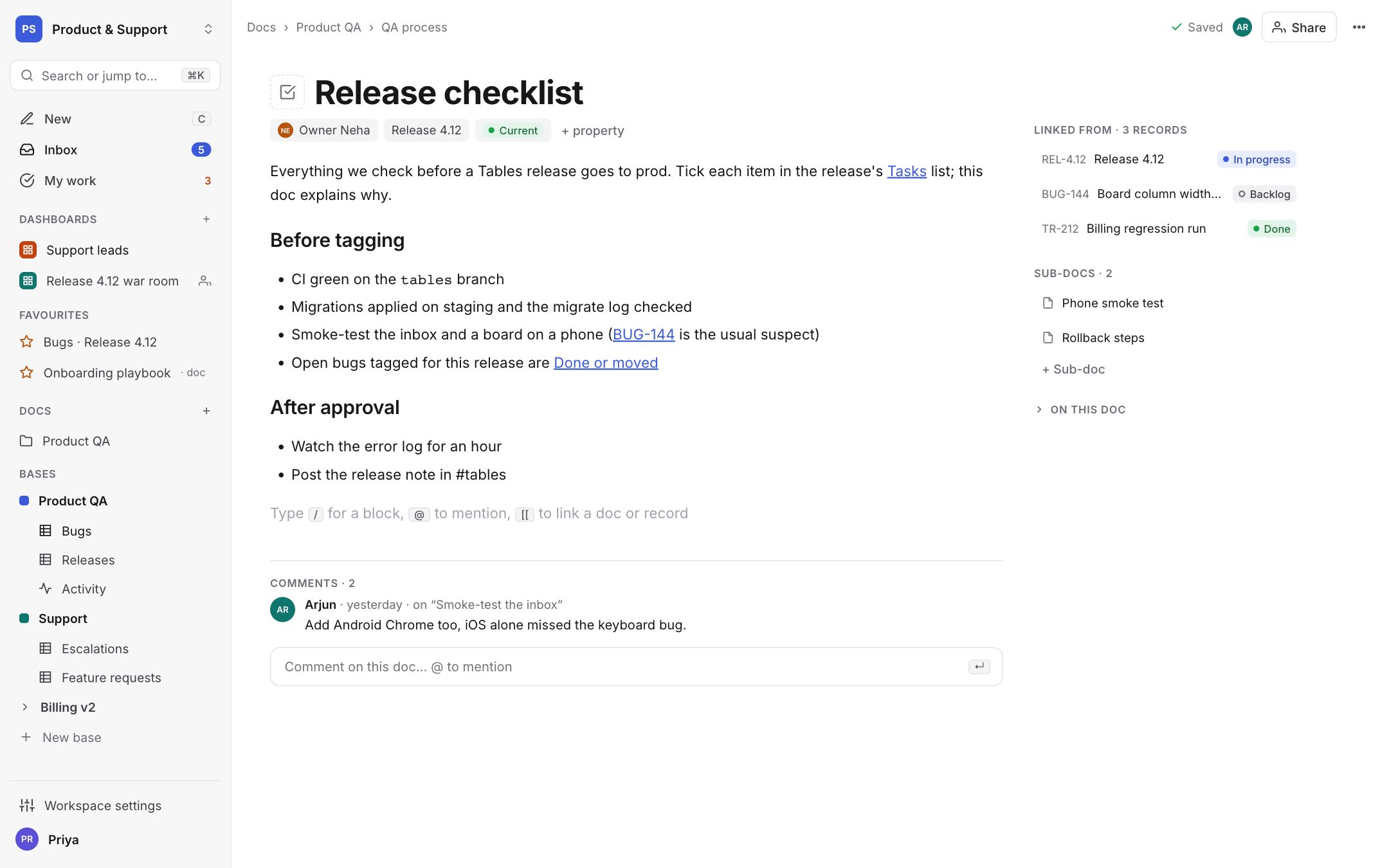
The body comes first; the outline folds away. Headings, callouts, code, tables, toggles, to-dos, images, diagrams, and embeds from YouTube, Loom, Figma and Google Docs. Type @ to mention a person or a record, [[ to link another doc. Each doc lists what links to it under Linked from. Its sidebar ⋯ menu has Open in new tab.
One person edits a doc at a time. Anyone else sees who is editing and reads the saved version; nobody's words get lost under someone else's. A tab left open without edits frees the doc after about 90 seconds.
Every session is a version
Each editing session becomes a version. History lists them; compare two side by side and restore any of them. Nothing you wrote is ever gone.
Finding things
Search covers titles and bodies, only in docs you can read. Favourite the ones you open daily; Recent remembers the rest. Delete sends a doc and its sub-docs to the recycle bin together, and Undo or restore brings them all back.
Docs and records
A table can have a doc field, so a record carries a page body: a task's notes, a candidate's interview write-up. A base Home lists its folder in a Links block. Dashboard blocks and drill
Sharing to the web
Share to web gives a doc an unguessable link that shows the version you published, not your later edits. Turn it off and it stops at once. Share a doc
Getting docs in and out
Import Markdown exports from Notion or Outline. Export a doc, with its sub-docs, as Markdown with images, or print it to PDF.