Sales pipeline with a nudger
Deals live in a spreadsheet with a Stage column and a Last contact column someone updates on Fridays. The deal that went quiet three weeks ago is still "Proposal sent". The founder asks for the pipeline number and three people open the sheet to argue about it.
What it looks like when it works
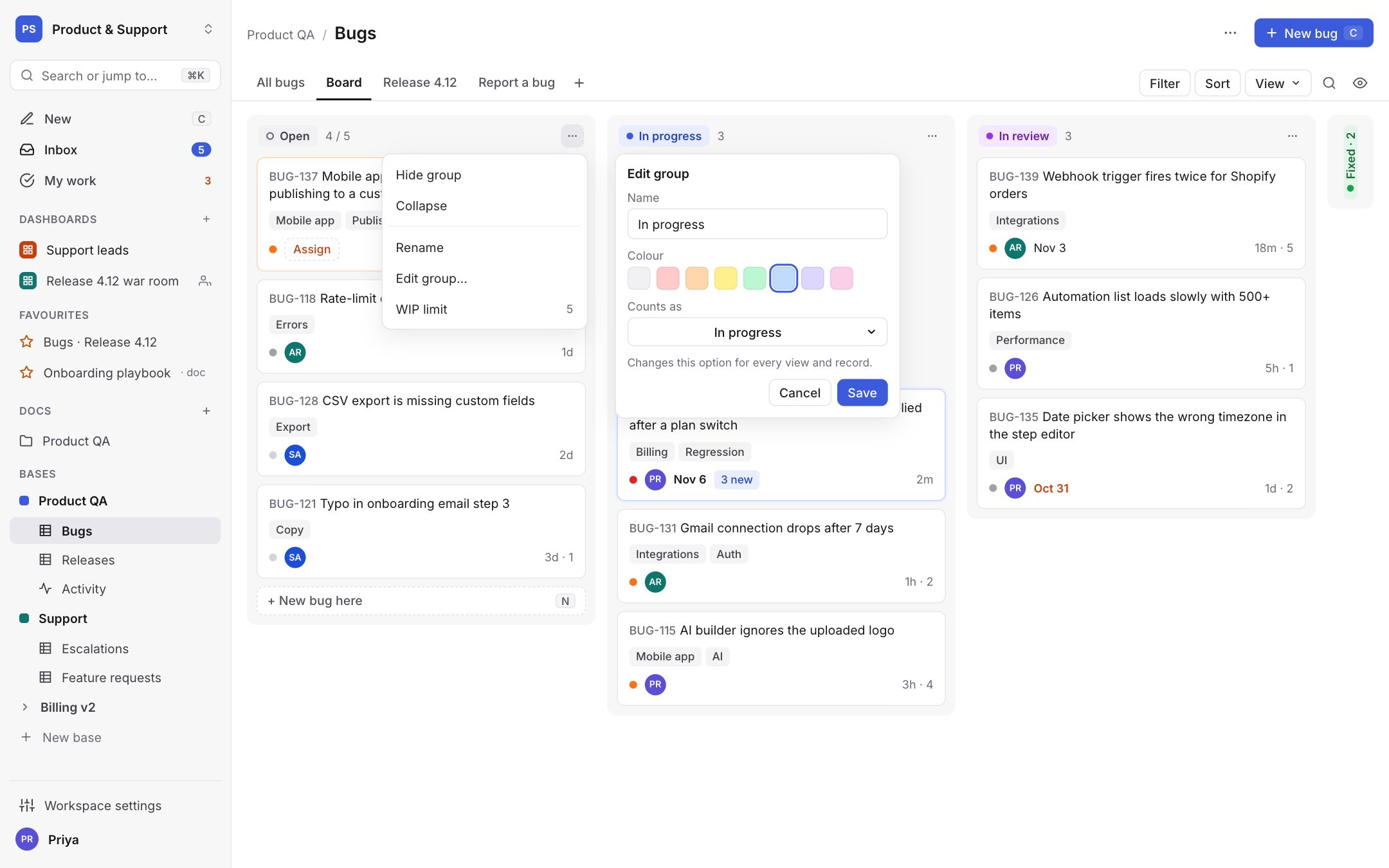
Every deal is a card. Drag it to change the stage, and the owner hears about it in their DoInbox, one row for each record that needs them, not their email. When a deal has sat in Proposal sent for three days with no reply, an agent comments on it: "No reply since Tuesday. Want me to draft a follow-up?" The owner answers in the thread and the deal moves, or it doesn't and the lead sees it on the board. The pipeline number is a block on a Dashboard, and clicking it shows the deals behind it.
Build it now
- Make a table called Deals with the prefix
DEAL. Open New table - Add the fields: Company (text), Value (currency), Stage (picklist: Lead, Qualified, Proposal sent, Negotiating, Won, Lost), Owner (people), Last contact (date), Next step (text). Mark Won and Lost as done statuses.
- Add a Board view grouped by Stage. Show Value, Owner and Last contact on the cards.
- Save a view called "Quiet proposals": Stage is Proposal sent, Last contact is more than three days ago.
- Set an alert on that view and hand it to an agent. In the Alert dialog choose Let an agent handle it, then pick your Nudger, or New agent… to make one. It watches Quiet proposals: when a deal is still there after a day, it comments a nudge to its owner, on its own unless you turned on Ask you before it changes anything. Open the Alert dialog
- Add the owners. Each deal's Owner follows it, so moves and nudges reach the right person.
- Give the founder a Dashboard. A number block, "Sum of Value where Stage is not done", and the board. Share it. Open Dashboards
Go further
- A task: when this happens, do this. Change the three days, or add "Only for Value is more than 5,000".
- Buttons. A Send follow-up button that drafts the email in your mail tool.
- Dashboards. Won this month, by owner, with every number opening its deals.