What an agent is
DoAgents are members of your workspace that do chores for you. Each one has a name, an @handle like @triage, its own character so you never mistake it for a person, and an owner. You can @mention it, put it in a people field or ask it about a record, like a colleague.
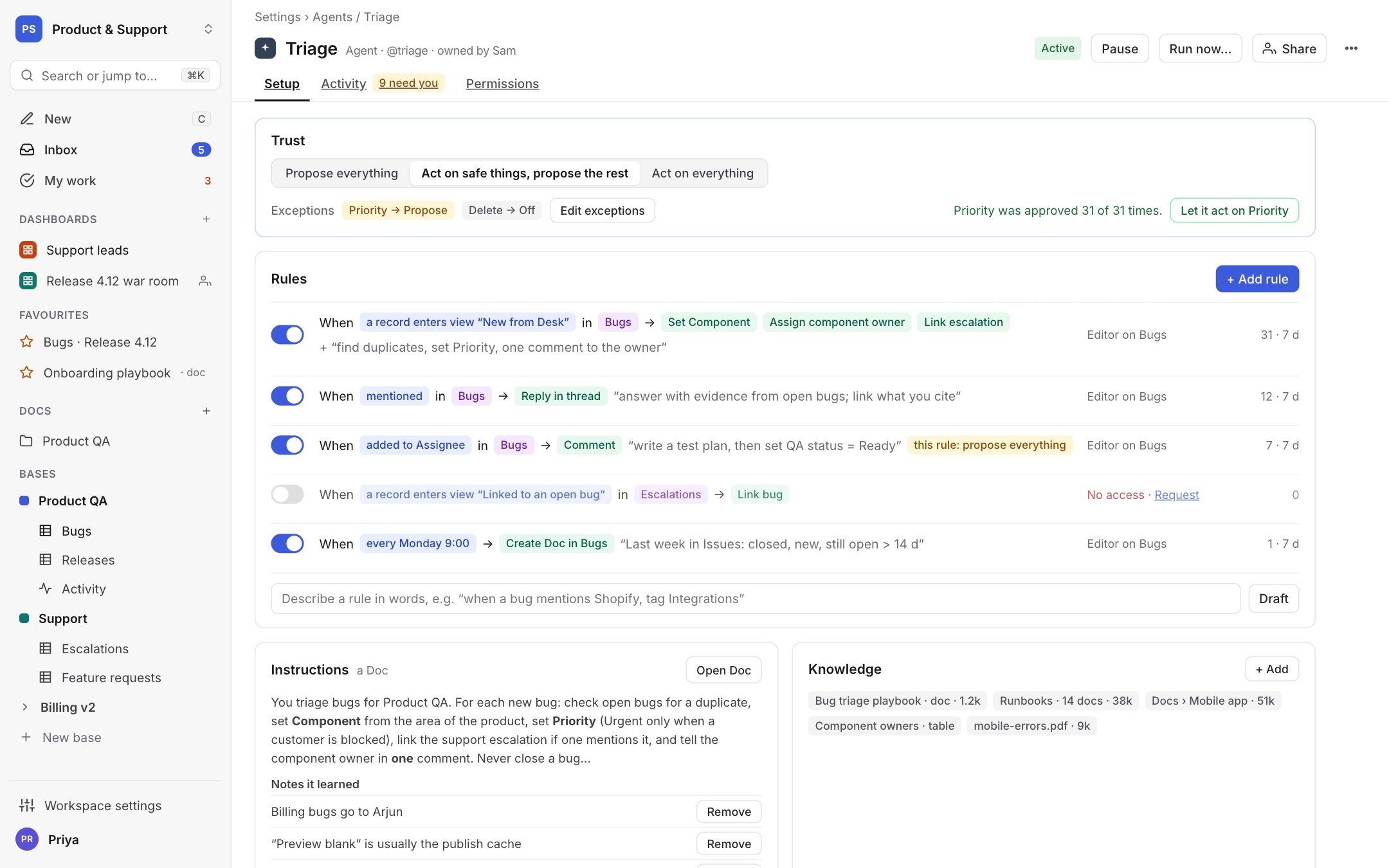
It works like an automation
An agent does tasks. A task reads "When this happens → do this": when a bug is added, set its priority; when a deal sits in Proposal sent for three days, nudge its owner; every Monday, write last week up. Each time a task starts is a run, and a run ends done, waiting for you, or failed. A task: when this happens, do this
Whoever builds or turns on a task is checked once: each step must be something they could do. After that the task runs as the agent, and its changes show on the record as the agent's, with the task named.
Four things to know about one
- Its tasks. Listed on its Agent tab, each with its own On switch.
- Its bases. It works in the bases its tasks use, plus any you add. What an agent can reach
- Approvals. One switch: whether it asks you before it changes anything. Steps you set up always run. Ask first, or let it act
- Its knowledge. One doc of instructions, things it may look up, and notes it proposes when someone corrects it, for you to approve. What it knows
What it never does
- Add or remove members, change sharing, change a table's fields, or touch anyone's keys.
- Delete, unless a step you set up deletes.
- Show someone who asks it more than they can see themselves.
- Flood a record: at most three comments a day on one record from one agent.
When it stops itself
Five failed runs in a row pause it, and so does reaching its money limit. You can pause any agent you manage from its header. When it stops itself