Hidden views
Views pile up. One feeds a Dashboard block, one has an alert for new records, one a webhook reads. Each one used to take a tab on the table for everyone. Now a view can be hidden from the tab bar and still do its job everywhere it is used.
Hide a view
Open the view's menu and choose Hide from tab bar. The view is gone from the tabs and the phone chips, and nothing else changes: Dashboards, alerts, webhooks, forms and links to it keep working. A toast says where to find it, with Undo. Anyone who could open the view still can. Hiding tidies; it never restricts.
Find it again
A "3 hidden" button at the end of the tab bar lists them: name, type, where each one is used, and Show in tab bar. An Only unused switch narrows the list. Search and the Dashboard pickers still list hidden views. Open one by link and it appears as a temporary tab at the end of the bar, marked hidden, until you switch away.
Where is this view used
The hidden list shows where each view is used. Deleting a view that something uses names Dashboard tabs, alerts, webhooks or a public form in the confirmation.
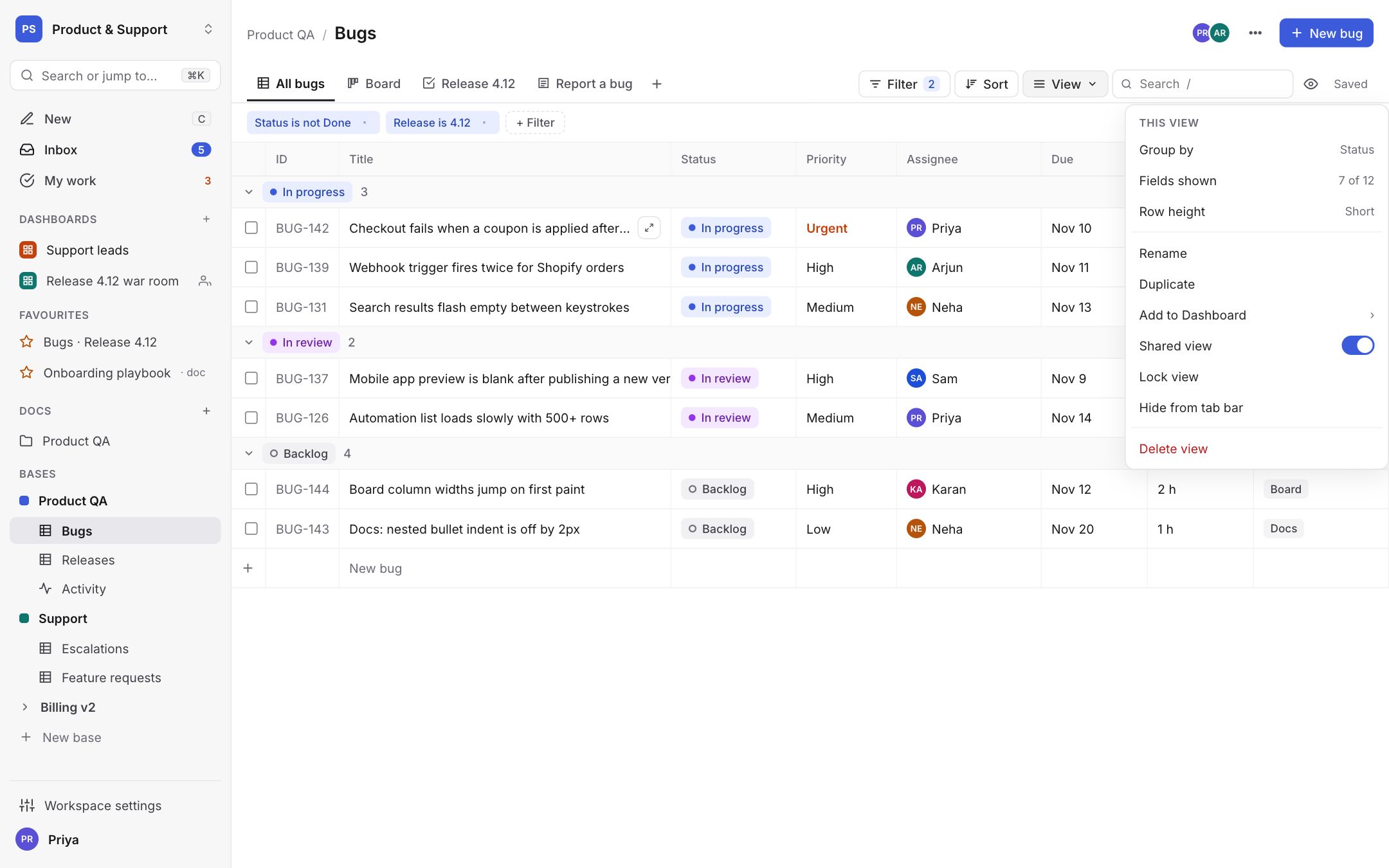
When nothing uses the view, Delete just deletes. When something does, the dialog names it and offers Hide instead. A view tagged Unused in the hidden list can go with one click.
Views made for a block
Add a block to a Dashboard and choose New view for this block: a normal view is saved in the table, hidden, with the note "Made for dashboard: Support". Show it there instead puts it on the tab bar. Delete the block and the view goes with it, unless something else uses it. Dashboard blocks and drill
One rule
A table always keeps at least one view in the tab bar: hiding the last one is refused.