Bug tracking from support requests
Support hears about the broken export three times in a week and pastes it into the tracker three times, so engineering has three bugs for one fault and no idea which customers are waiting. When the fix lands, QA tests from memory.
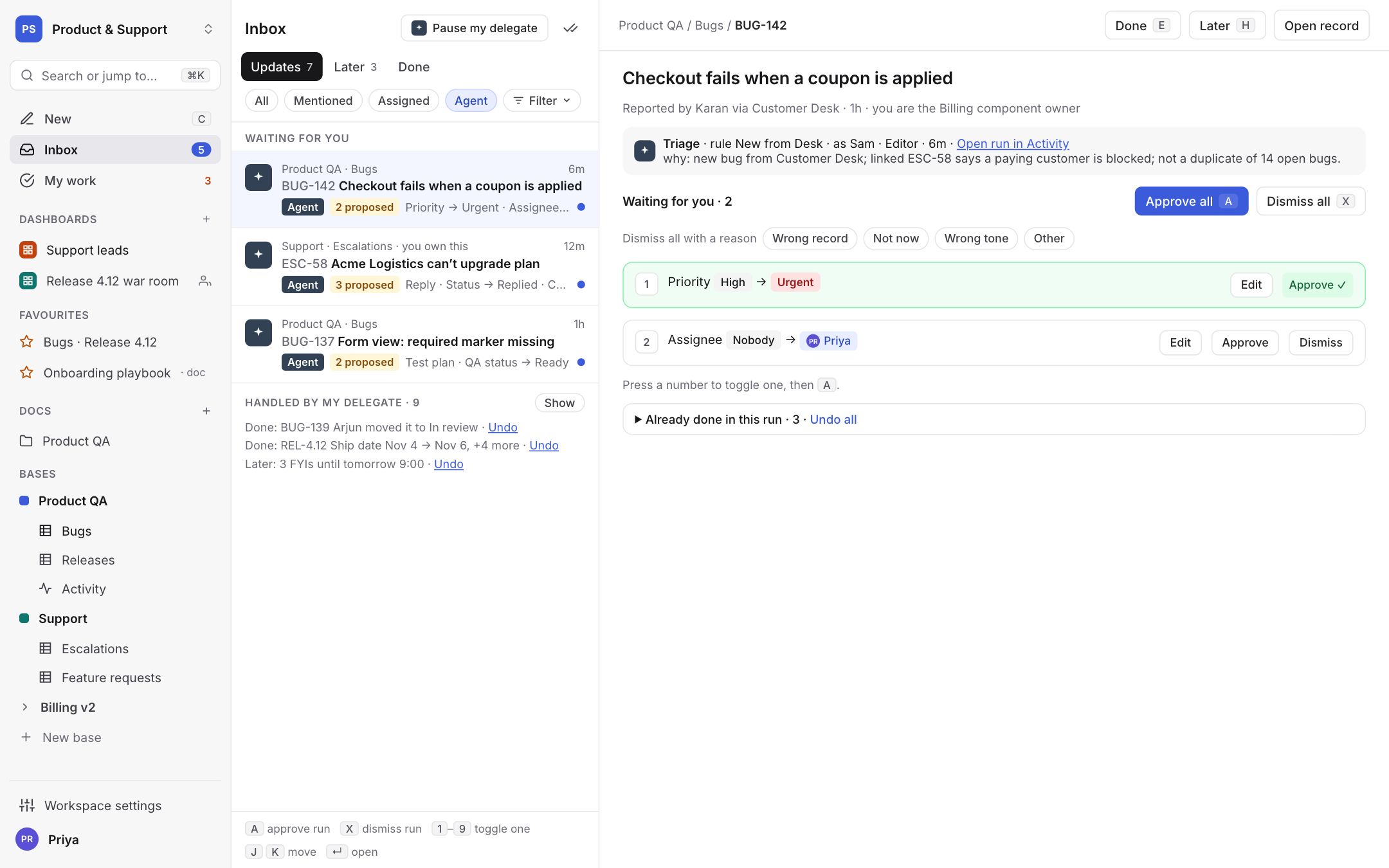
What it looks like when it works
A request and a bug are two records in two tables, linked. From the request, Support presses + Link under Bugs, chooses Create, and the bug is born already linked. Before engineering reads it, an agent has set the component, proposed a priority, and found the earlier bug for the same fault. One approval links the two, so both requests show on one bug. When the fix is in, a tester is put in the QA field, and a second agent writes the test plan on the bug.
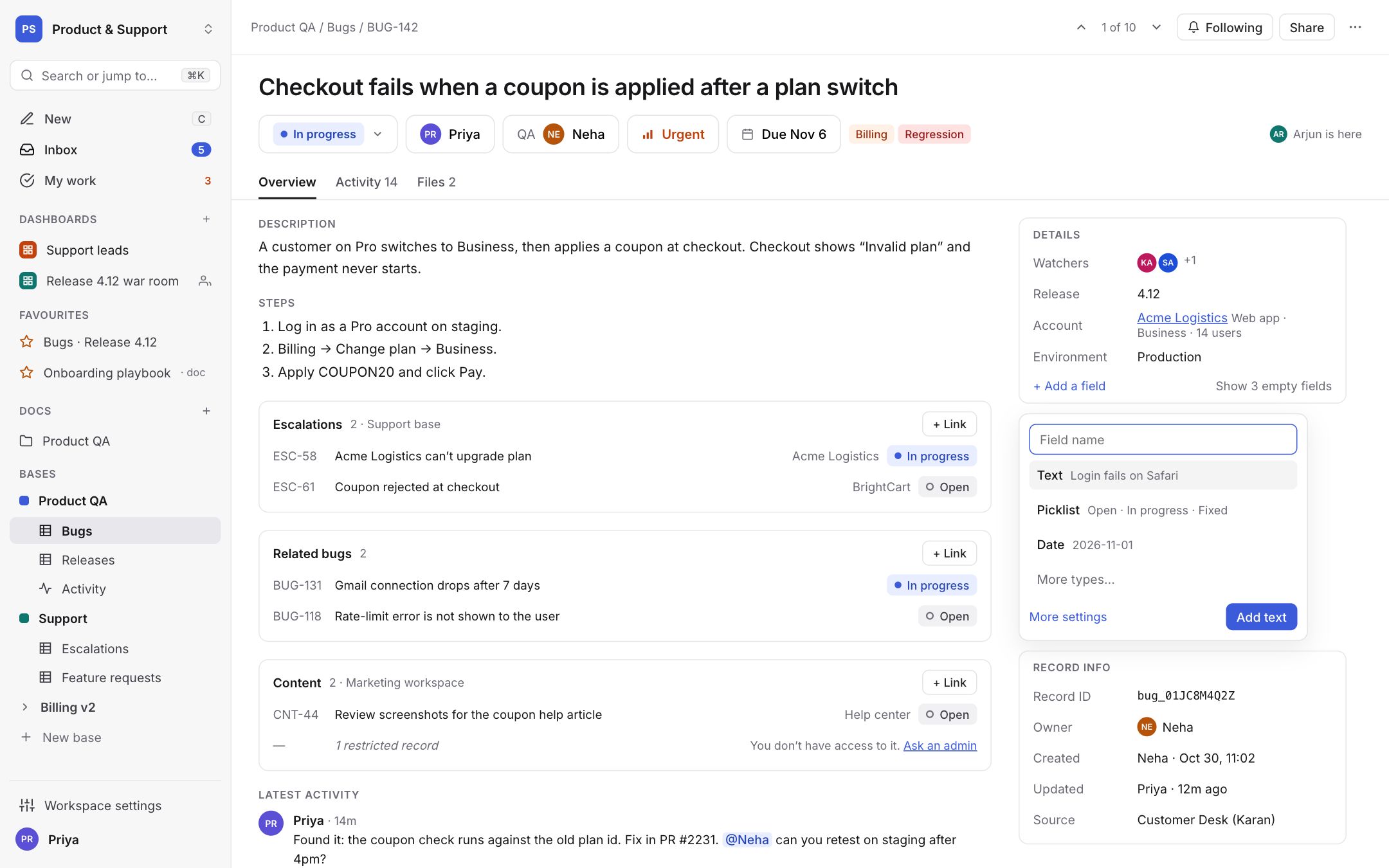
Build it now
- Make a table called Bugs with the prefix
BUG. Open New table - Add the fields: Title (text), Steps (long text), Component (picklist: Exports, Login, Billing), Priority (picklist), Status (picklist: New, In progress, Fixed, Verified), Assignee (people), QA (people), QA status (picklist: Not started, Plan ready, Ready), Duplicate of (link to Bugs).
- Link the requests. On your Requests table add a link field called Bug, pointing at Bugs, even from another base. Every bug now lists its requests.
- Make the Triage agent. Open DoAgents, the New DoAgent tab, and describe it in Create with AI: "When a bug is added, set its Component and Priority, and link an earlier bug for the same fault in Duplicate of." Start Triage. To watch it first, turn on Ask you before it changes anything in its Data & permissions. Open DoAgents
- Make the QA Helper. Describe it the same way: "When someone is assigned in QA on a bug, comment a test plan from its steps and linked requests, then set QA status to Plan ready."
- Save a view "Fixed, not verified" and set an alert on it, so every fix reaches QA. Open the Alert dialog
- Raise the next bug from a request: press + Link under Bug and choose Create.
Go further
- Links between tables. Group bugs by release, link across workspaces.
- Mention an agent, give it a record. Ask Triage in a thread, or run it on old bugs.
- Buttons. A Create issue button for your engineering tool.