Share an agent
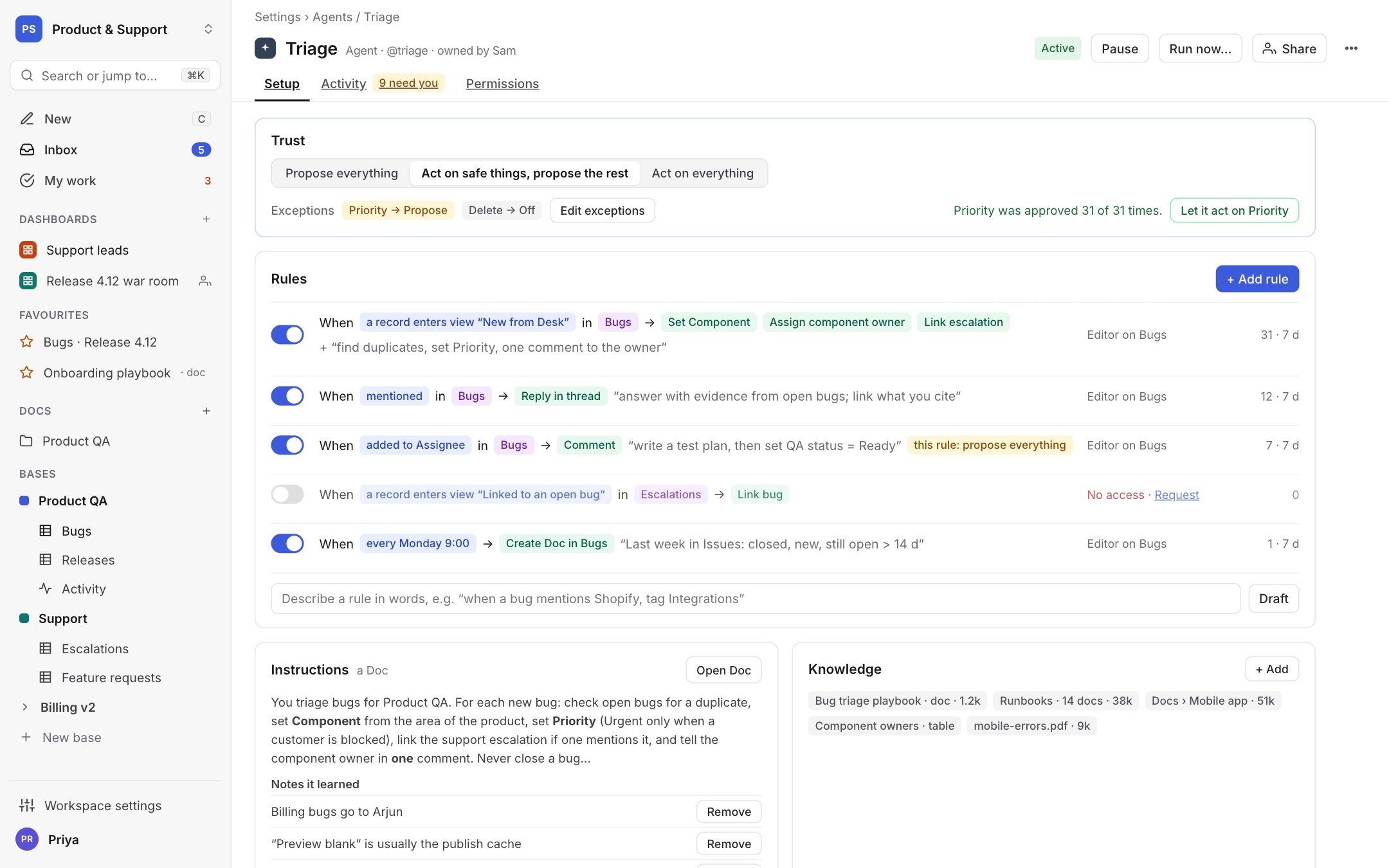
You built a Triage that works. The support team wants it too. Open its ⋯ menu and choose Share, or open Sharing in its Setup.
Who can use it
- Only me. Nobody else sees it or can use it. Company admins can still pause it. My delegate is always this.
- People I pick. The people and groups you add.
- Everyone in a workspace. Workspace owners and admins can choose this.
- Everyone in the company. Every member can @mention, assign and ask it, and see its work. Only company owners and admins can choose this.
Roles
| Role | What they can do |
|---|---|
| Manager | Change it like you, except delete it or share it wider. Pause and resume it. |
| User | @mention it, assign it, ask it. See their own runs. |
| Viewer | See it, its tasks, its permissions and its runs. |
The owner can Transfer it to someone else. Anyone who can use it finds it in pickers and ⌘K like a colleague. Mention an agent, give it a record
What never travels with it
- Your bases. Someone who asks the agent gets answers only from what they can open themselves. What an agent can reach
- Your connections. Each app step in a task names the connection it uses, and someone with that connection set it up.